Welcome
Philips Robot Lawn Mower 3000 Series
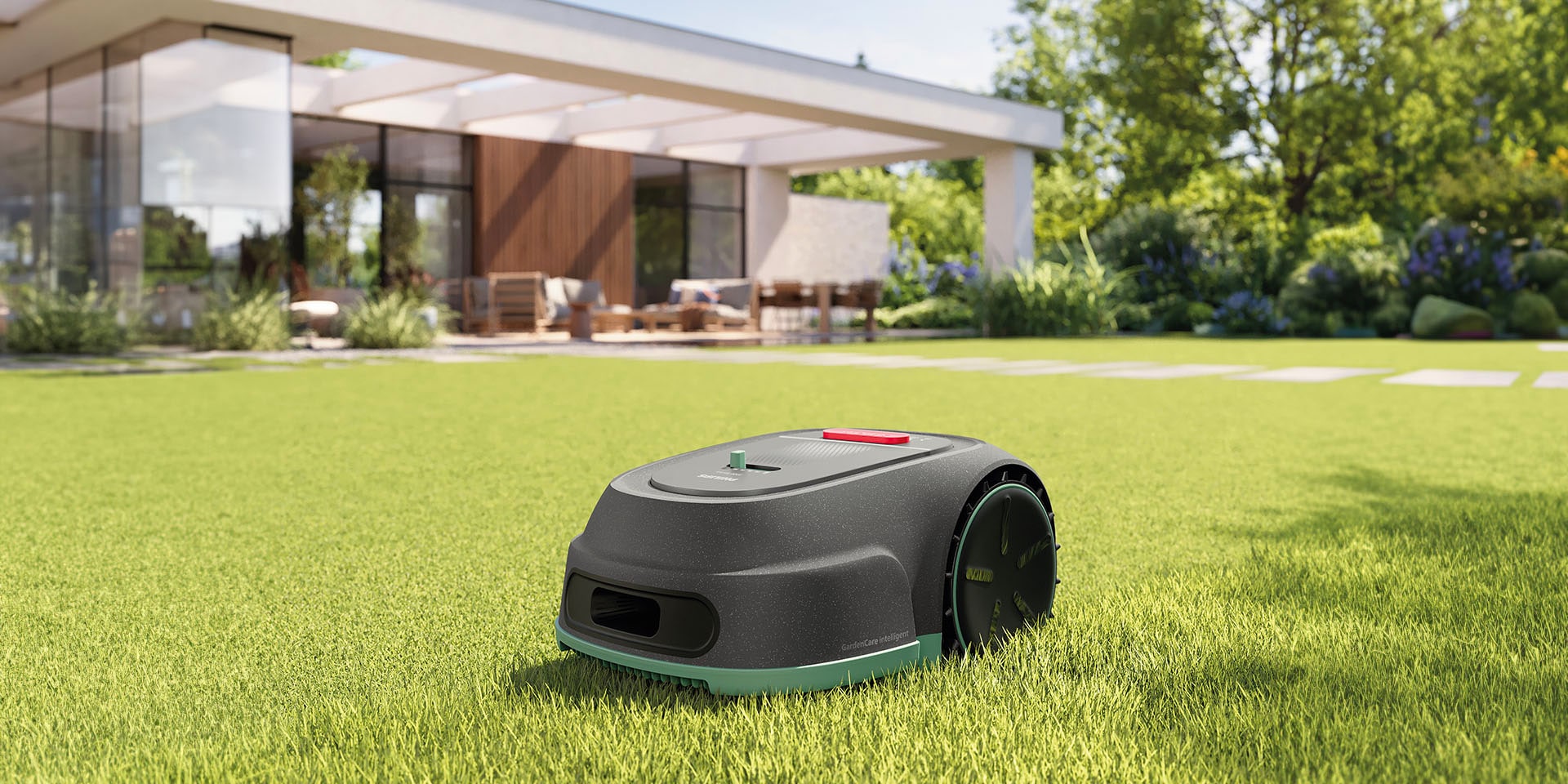
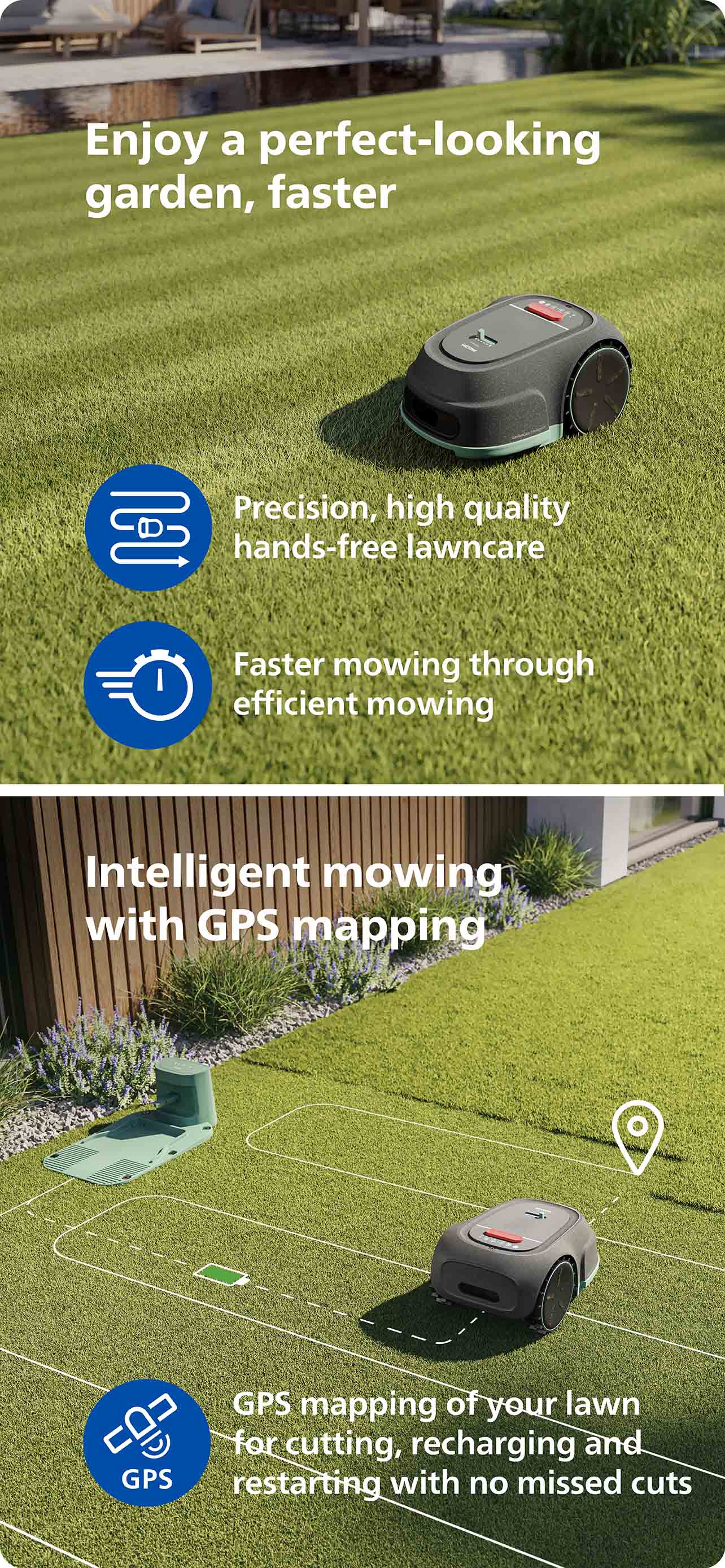
Because your perfect lawn is an extension of your perfect home Get the job done 3 times faster with our GardenCare Intelligent Technology than traditional random-pattern mowers.
On this page
Getting started
How to get the best out of your Philips Robot Lawn Mower 3000 Series
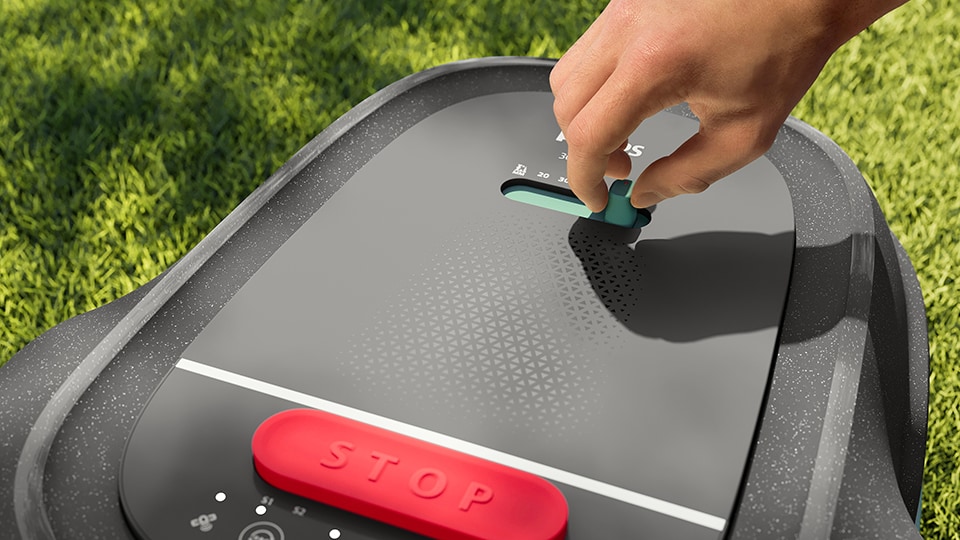
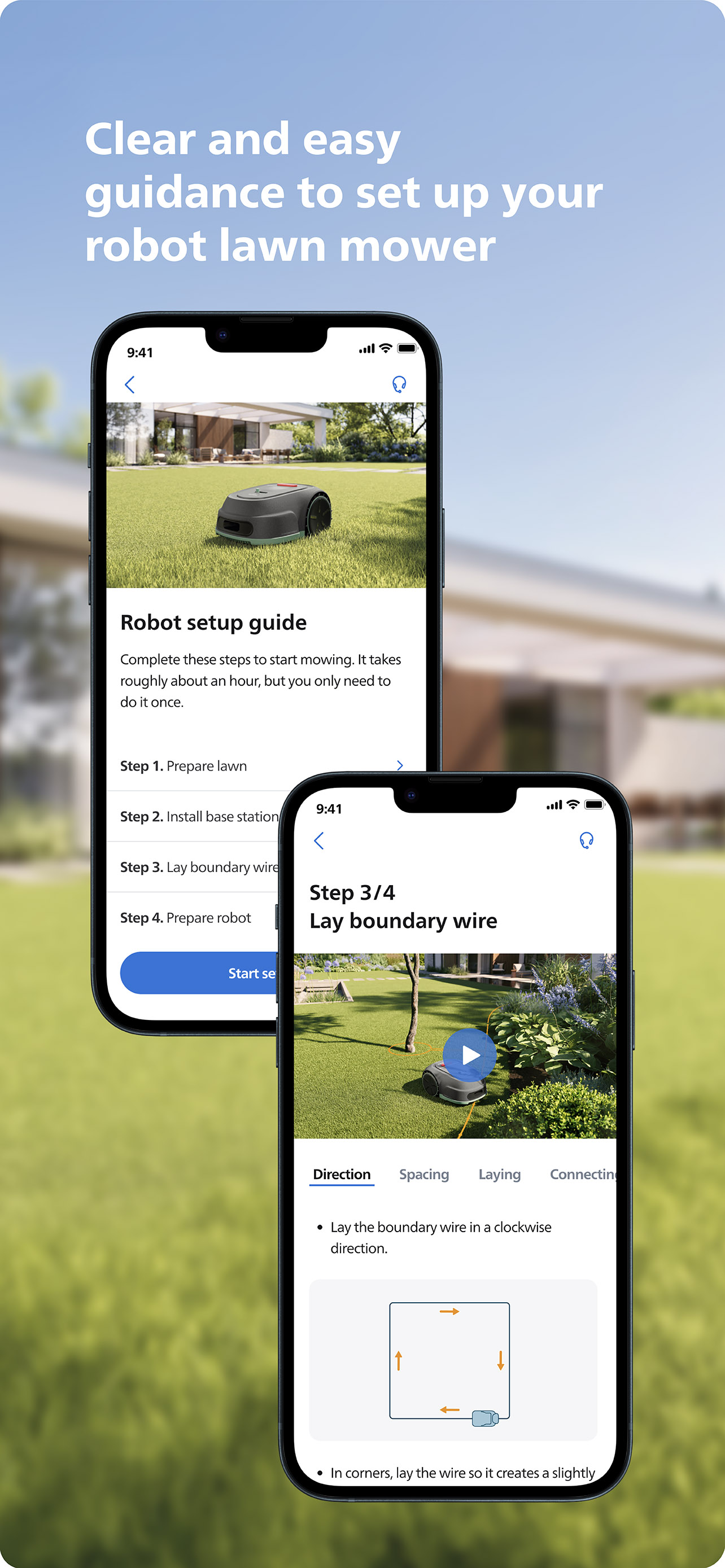
How to set up your Philips Robot Lawn Mower
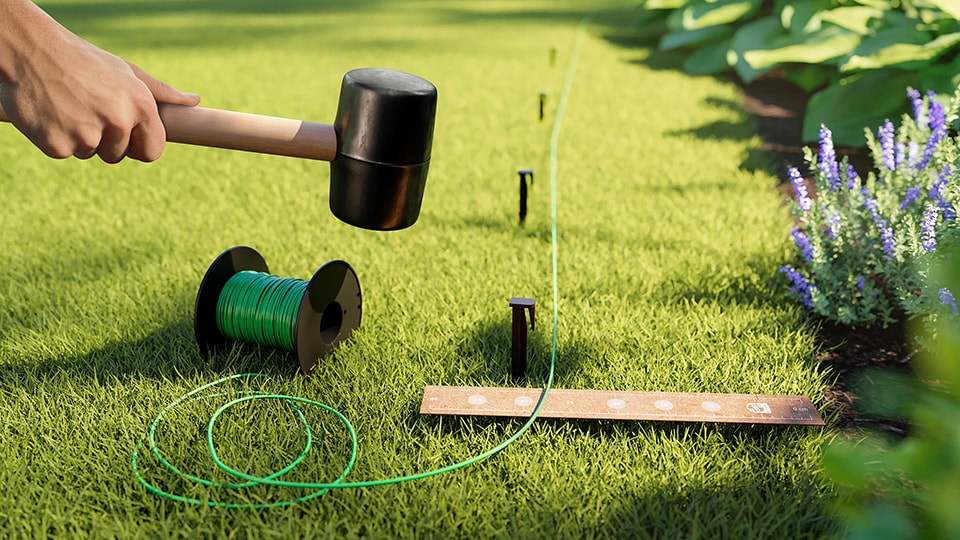
Installation How to lay down the boundary wire and connect to the base station.
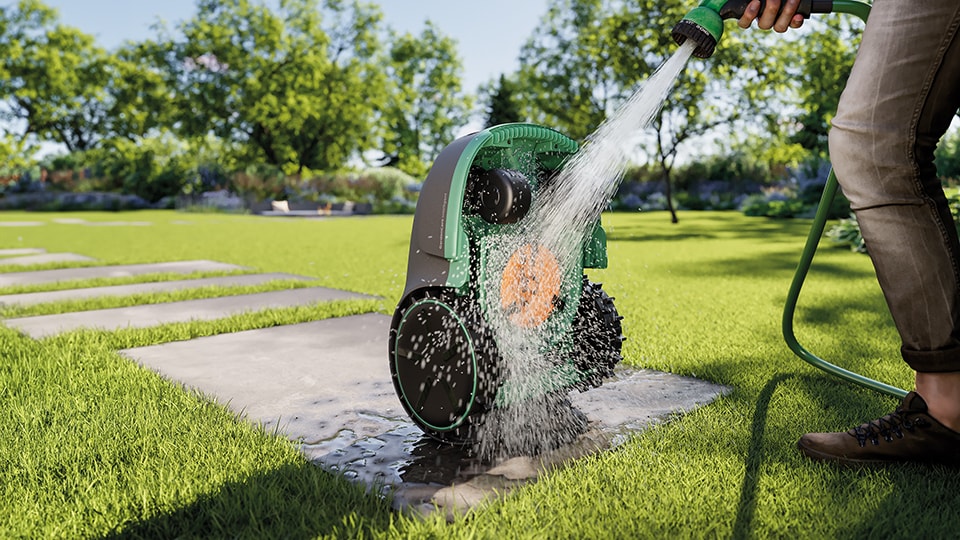
Maintenance Starting mowing, cleaning and maintenance, removing the rechargeable battery.
HomeRun app
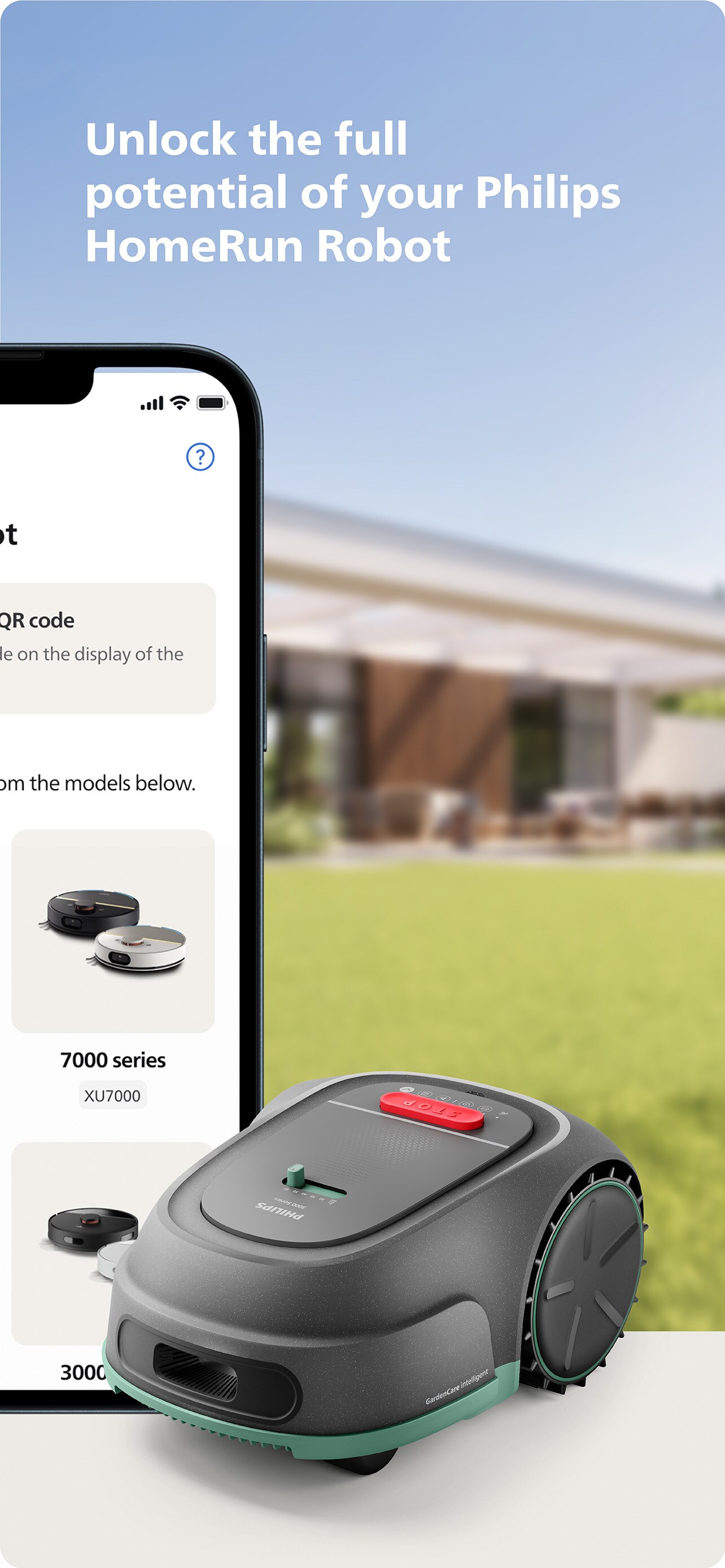
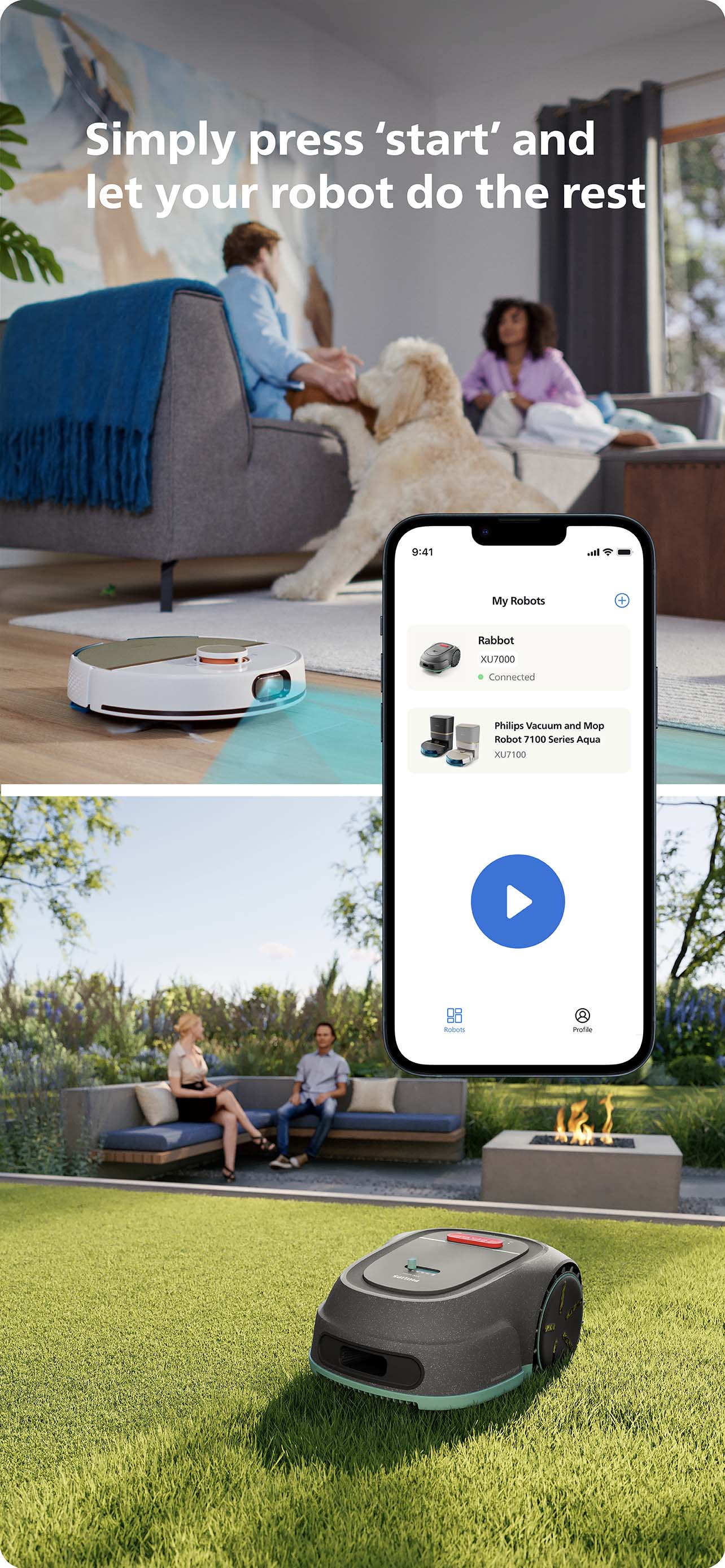
Control your robot via the HomeRun App
Precision, high quality hands-free lawncare, from anywhere.




Our support services for your Philips Robot Lawn Mower 3000 Series

Winter Service Get your robotic lawn mower ready for the next season with our Winter Service. Services includes: • Functional test of all sensors and motors • Visual inspection and diagnosis • Battery test for leaks • Updated with the latest software • Replacing the knives (3 pieces) • Cleaning the mower • Checking and cleaning the charging contacts • Exclusive winter storage • Available throughout Europe from November 1 to March 31

At Home Installation Service Make lawn care effortless with our professional At Home Installation service. Services includes: • Installing the boundary wire above ground • Installing the charging station • Entering the basic settings of the robotic lawnmower • Testing the installation • Basic explanation of how the robotic lawn mower works • All services are conducted by our trusted third-party partners • To avoid the hassle of installing the robotic lawn mower yourself, it is possible to have your robotic lawn mower installed for you. Philips recommends Do It For Me for installation services, available in in Germany, Netherlands, Belgium and France* * Installation services are not offered by Philips. Consumers engage Do It For Me for installation services at their sole discretion. The installation services provided by Do It For Me are subject to the terms and conditions agreed upon between a consumer and Do It For Me. Philips is not a party to such agreement.
Our support services for your Philips Robot Lawn Mower 3000 Series
Winter Service Get your robotic lawn mower ready for the next season with our Winter Service. Services includes: • Functional test of all sensors and motors • Visual inspection and diagnosis • Battery test for leaks • Updated with the latest software • Replacing the knives (3 pieces) • Cleaning the mower • Checking and cleaning the charging contacts • Exclusive winter storage • Available throughout Europe from November 1 to March 31
At Home Installation Service Make lawn care effortless with our professional At Home Installation service. Services includes: • Installing the boundary wire above ground • Installing the charging station • Entering the basic settings of the robotic lawnmower • Testing the installation • Basic explanation of how the robotic lawn mower works • All services are conducted by our trusted third-party partners • To avoid the hassle of installing the robotic lawn mower yourself, it is possible to have your robotic lawn mower installed for you. Philips recommends Do It For Me for installation services, available in in Germany, Netherlands, Belgium and France* * Installation services are not offered by Philips. Consumers engage Do It For Me for installation services at their sole discretion. The installation services provided by Do It For Me are subject to the terms and conditions agreed upon between a consumer and Do It For Me. Philips is not a party to such agreement.
More on Philips Robot Lawn Mower 3000 Series
Get answers to the most frequently asked questions
- Why do I need to set the cutting height to 60mm for the first few uses?
-
For the first few uses, set the cutting height to 60mm to prevent any damage to the guide wire. The guide wire typically takes up to 4 weeks to settle and merge into the ground. During this period, you can gradually lower the cutting height to your preferred setting. For a quicker setup, you may bury the boundary wire up to 30mm deep in the soil.
- How can I repair the boundary wire of my Philips Robot Lawn Mower?
-
If the boundary wire gets cut or breaks for any reason (S1/S2 signal light will keep flashing, app has alert messages), you need to locate and repair it. You will need to use the wire connectors.
- How do I store my Philips Robot Lawn Mower during winter?
-
During winter, keep your mower, base station and power supply in a dry place. We recommend a shed, garage or preferably store them indoors or use our Winter Service to store your mower in our Winter Hotel.
- Where can I find the model/serial number of my Philips Robot Lawn Mower?
-
The model number and serial number information of your Philips Robot Lawn Mower can be found on the bottom of the lawn mower and on the back of the base station.
- Can my Philips Robot Lawn Mower be used in rain, snow, hail or foggy weather?
-
Your Philips Robot Lawn Mower has rainy days mode. The mower can be used in light rain and foggy weather, but not recommended. But to achieve the best mowing results, it is recommended not to mow in the rain. Mowing in the rain can make the grass stick on the product and the mower may slip.
- How do I download the HomeRun APP?
-
Scan the QR code on the box or search for Philips HomeRun Robot App in the Apple App Store or one of the Android App Stores. You can operate the mower with the Philips HomeRun robot app. The app allows you to manage your mower and offers help and support.
- How do I unlock my Philips Robot Lawn Mower?
-
Every time you press the On/off button to turn on the mower, the machine automatically enters the PIN code mode, you need to enter the correct 4-digit PIN code and Confirm button for unlocking.
- How can I reset the pin code of my Philips Robot Lawn Mower
-
After powering on the mower, press the Start button and Home button at the same time for 3 seconds to enter the PIN code reset mode. S1 signal light, S2 signal light and power light start flashing. You need to press 4 digits and Confirm button for reset. After the reset is successful, lights stop flashing, indicating reset successfully and unlocked the mower.
- How do I clean the chassis and blade disc?
-
Before any cleaning and maintenance, unplug the power supply and turn off the mower.
When you turned the mower off, lift the product onto its side. Use a soft brush or damp cloth to clean the chassis and blade disc or wash the mower with a soft hose inside the lawn. Be careful not to touch the blades with your hands and use protective gloves when cleaning.
